New article
Recently updated
How to Reset Your Assurance Password from the Login Screen

This article is for organisations that do not have SSO enabled on their Assurance site. If you have SSO enabled, please contact your IT department for further assistance on resetting your password.
In this article, you will learn about:
Resetting Your Assurance Password from the Login Screen
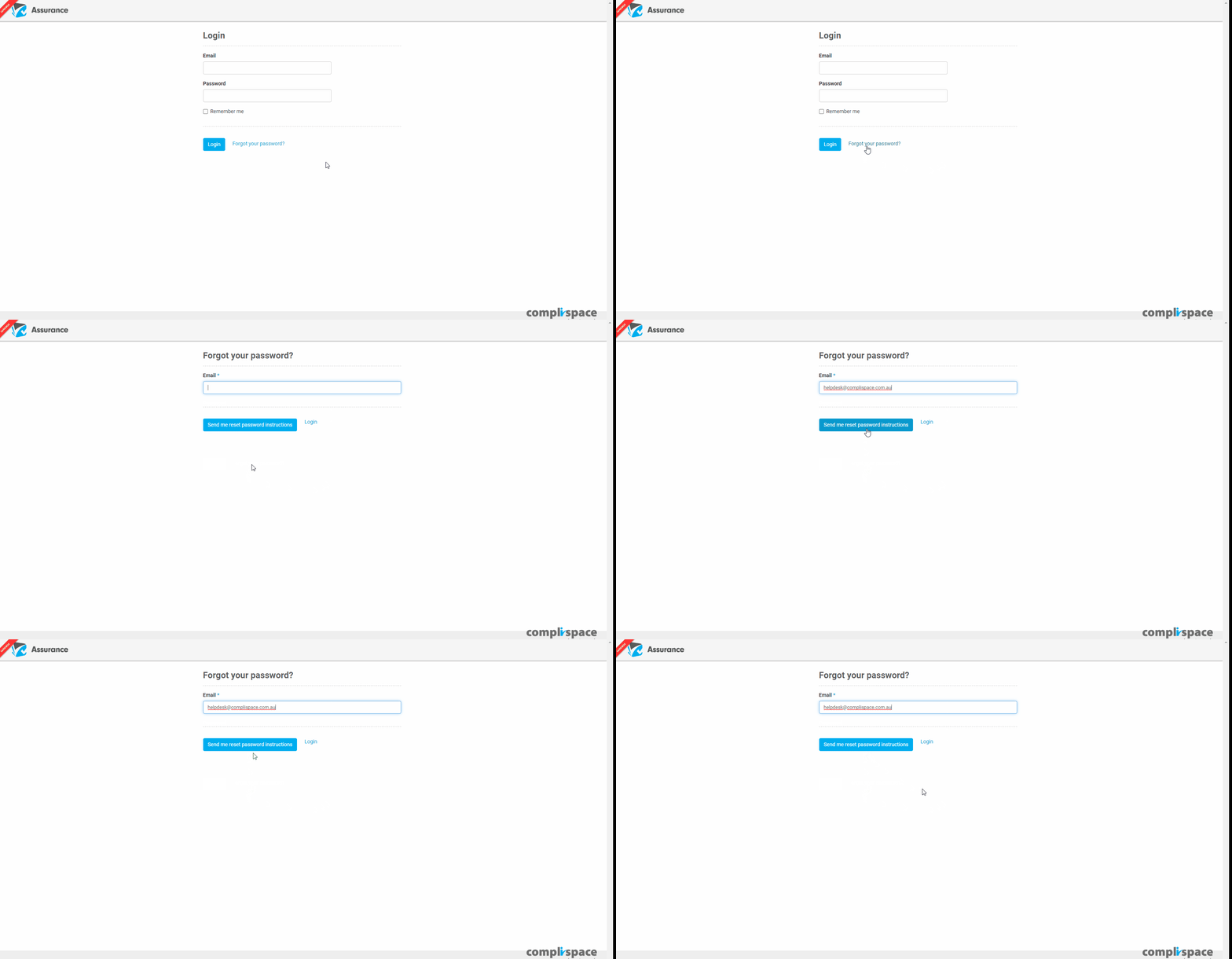
- On your Assurance site login page, select Forgot your password?
- Enter your email address and select the blue Send me reset password instructions button.
- You will receive an email advising how to reset your password.
Note: The link within the email will expire after 3 days.