New article
Recently updated
How to Assign a Risk on a Risk Register in Assurance

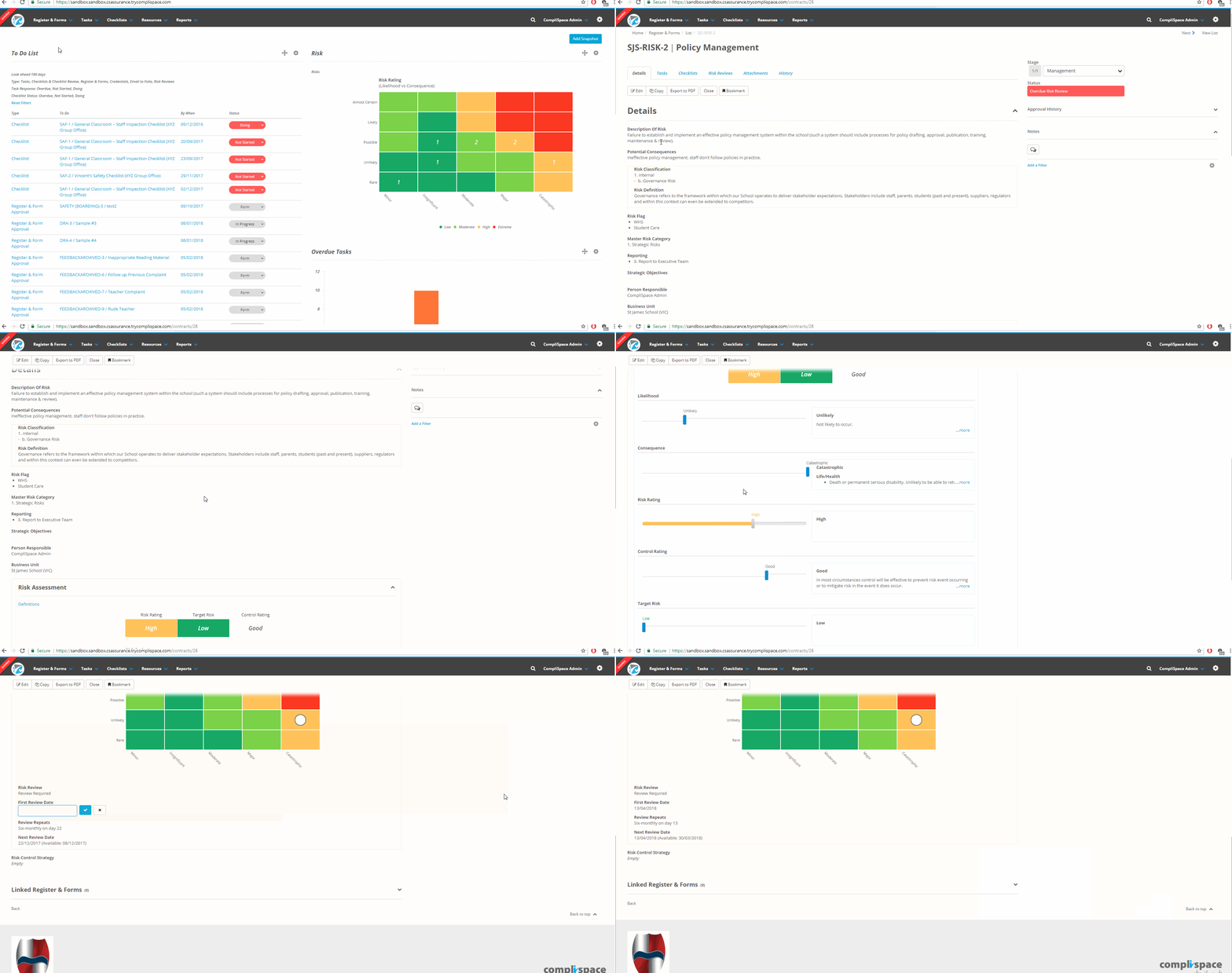
- Select the Registers & Forms tab.
- Select the Risks title to open the risk register.
- Locate the risk you wish to assign and select either the Key or Title.
- You will be in the Details section of the selected risk.
- Scroll down to the Person Responsible field and username that appears.
- Select the X next to the username.
- Click on the now empty field. A dropdown will appear, where you will need to select the responsible user(s).
- Scroll down to the Risk Assessment portion of the screen and adjust the Date fields if necessary.