New article
Recently updated
How to Change a Risk on a Risk Register in Assurance

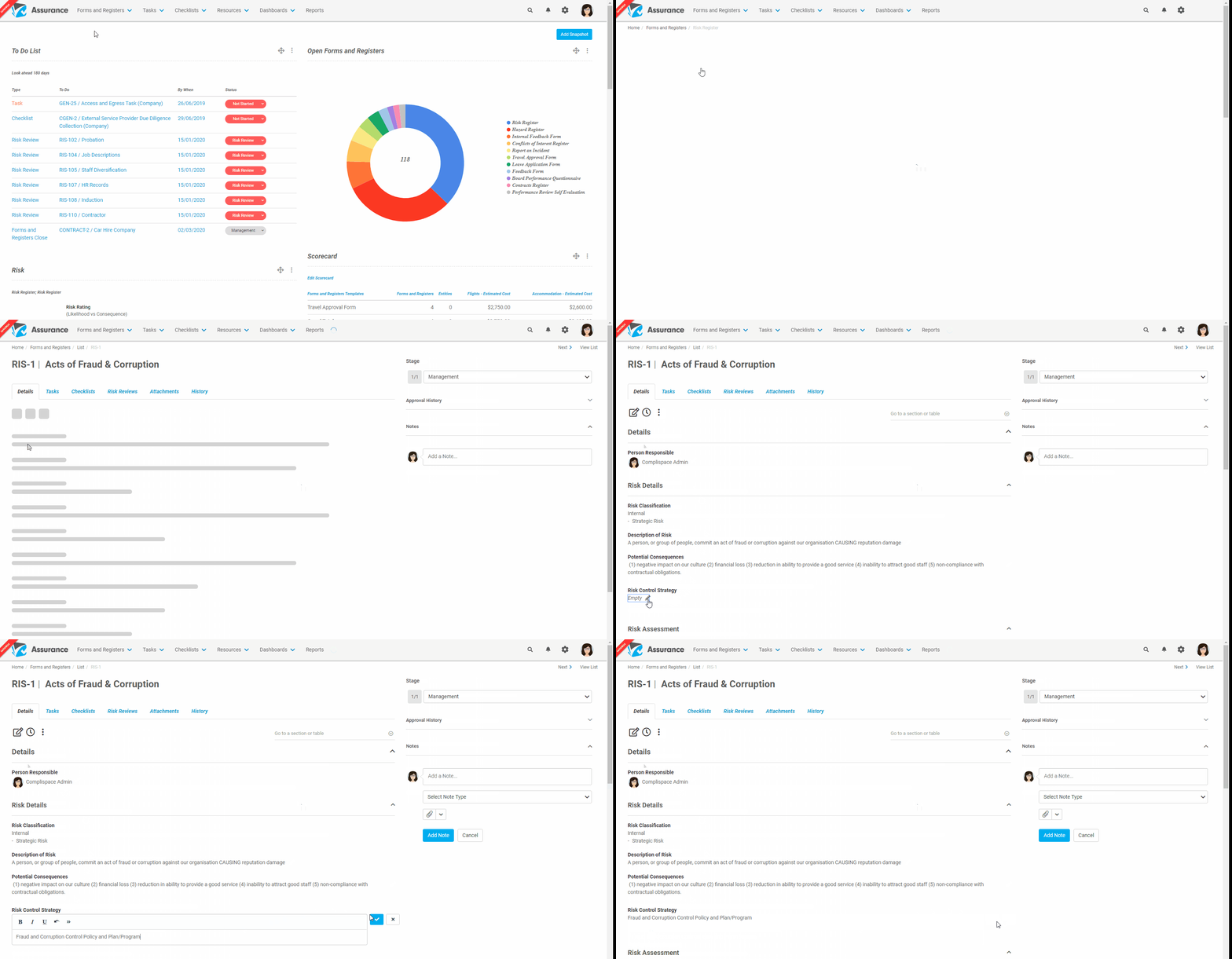
- Select Registers & Forms and select the relevant Register to open your Risk Register
- Locate the risk you wish to assign and select the Key or Title
- You should be in the Details section of the selected risk
- Hover over the text you wish to change and a small pencil icon should appear
- Once the pencil icon appears, click the text and the field will become editable
- Complete your amendments and click the blue tick icon to save the changes
Please Note: If you require any assistance or clarification regarding the details of the risk, please contact your Ideagen Main Contact.