New article
Recently updated
How to Remove a Task Response

1. Click the Gear in the top menu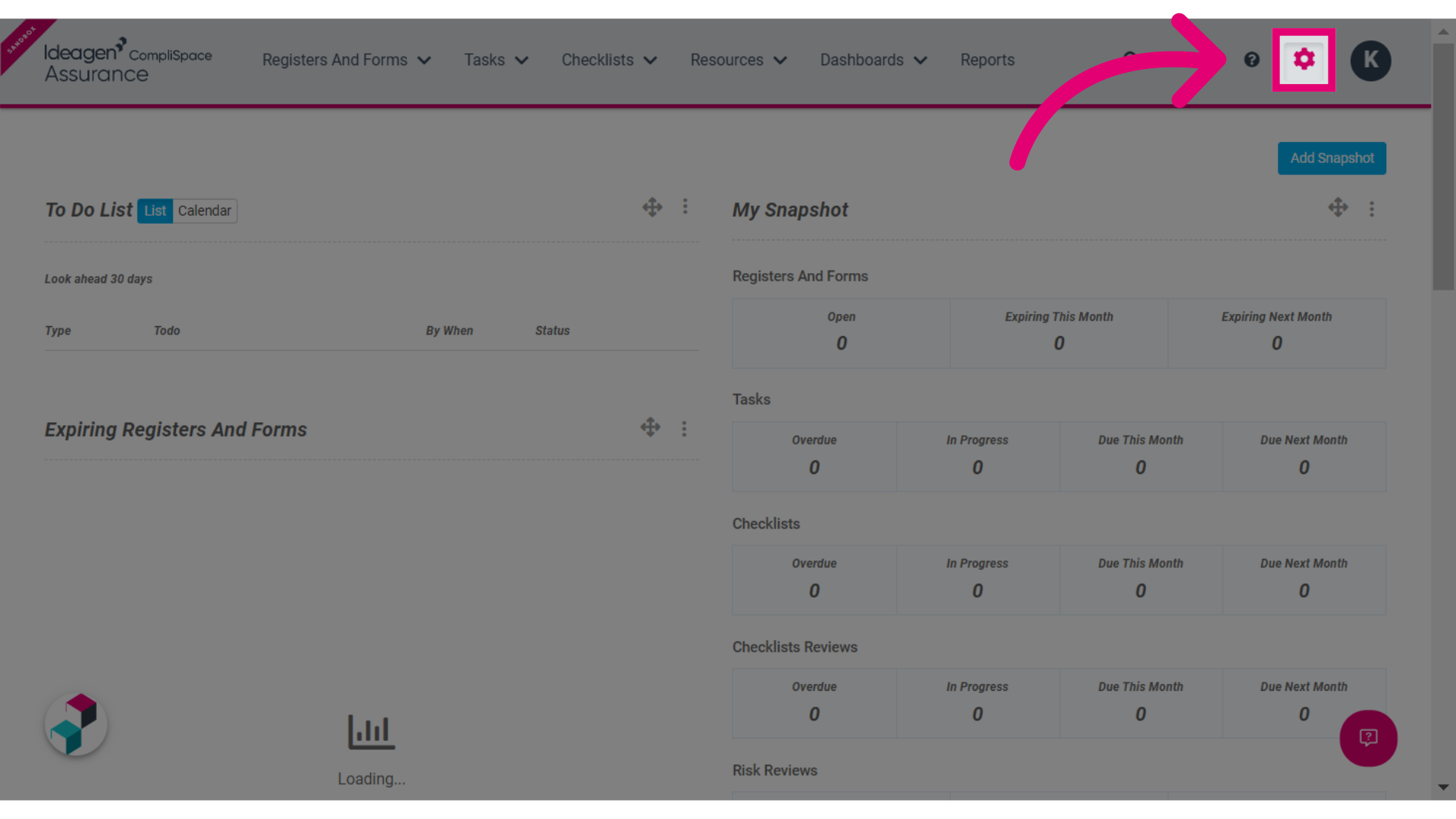
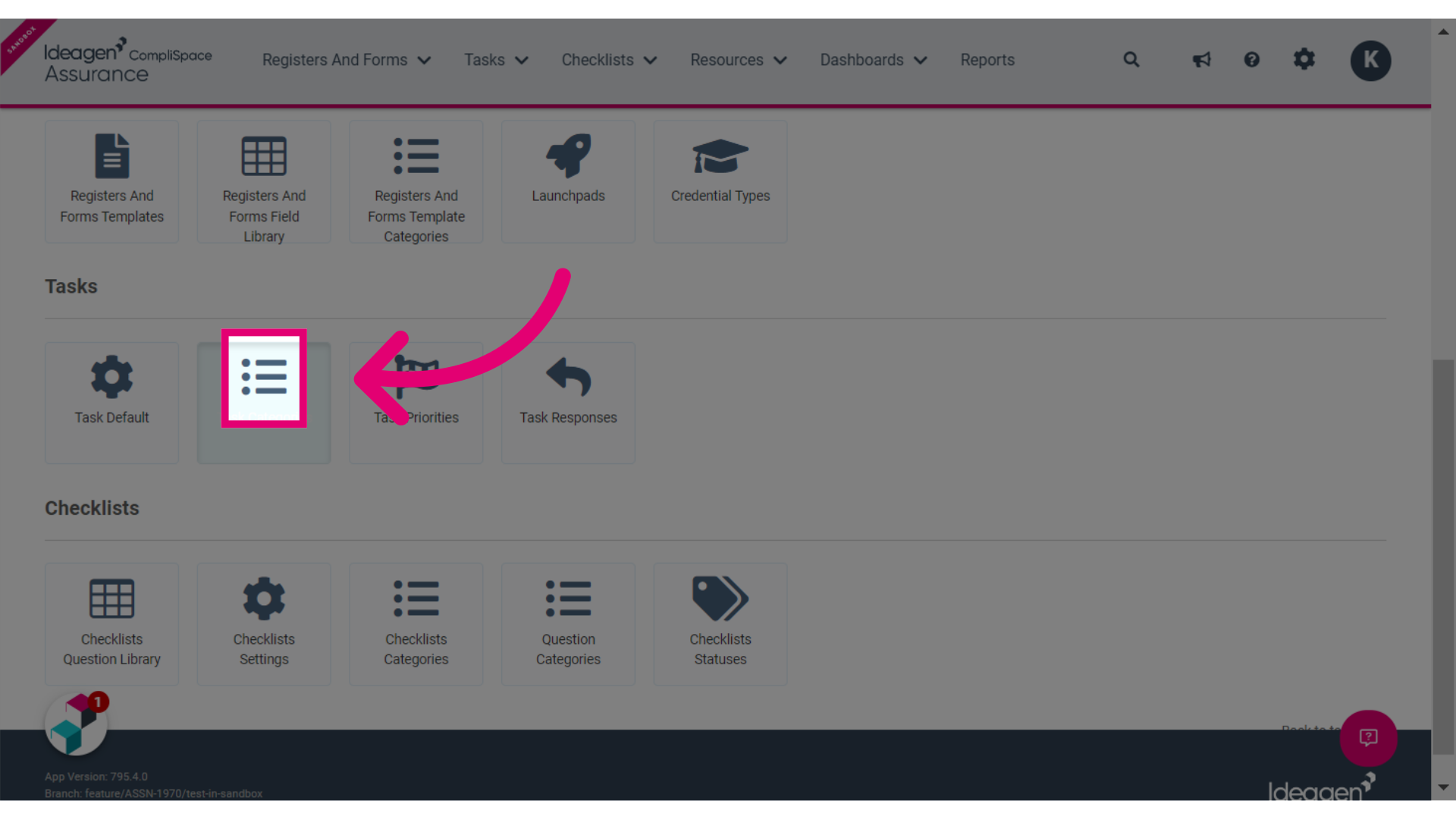
2. Click the Task Categories button
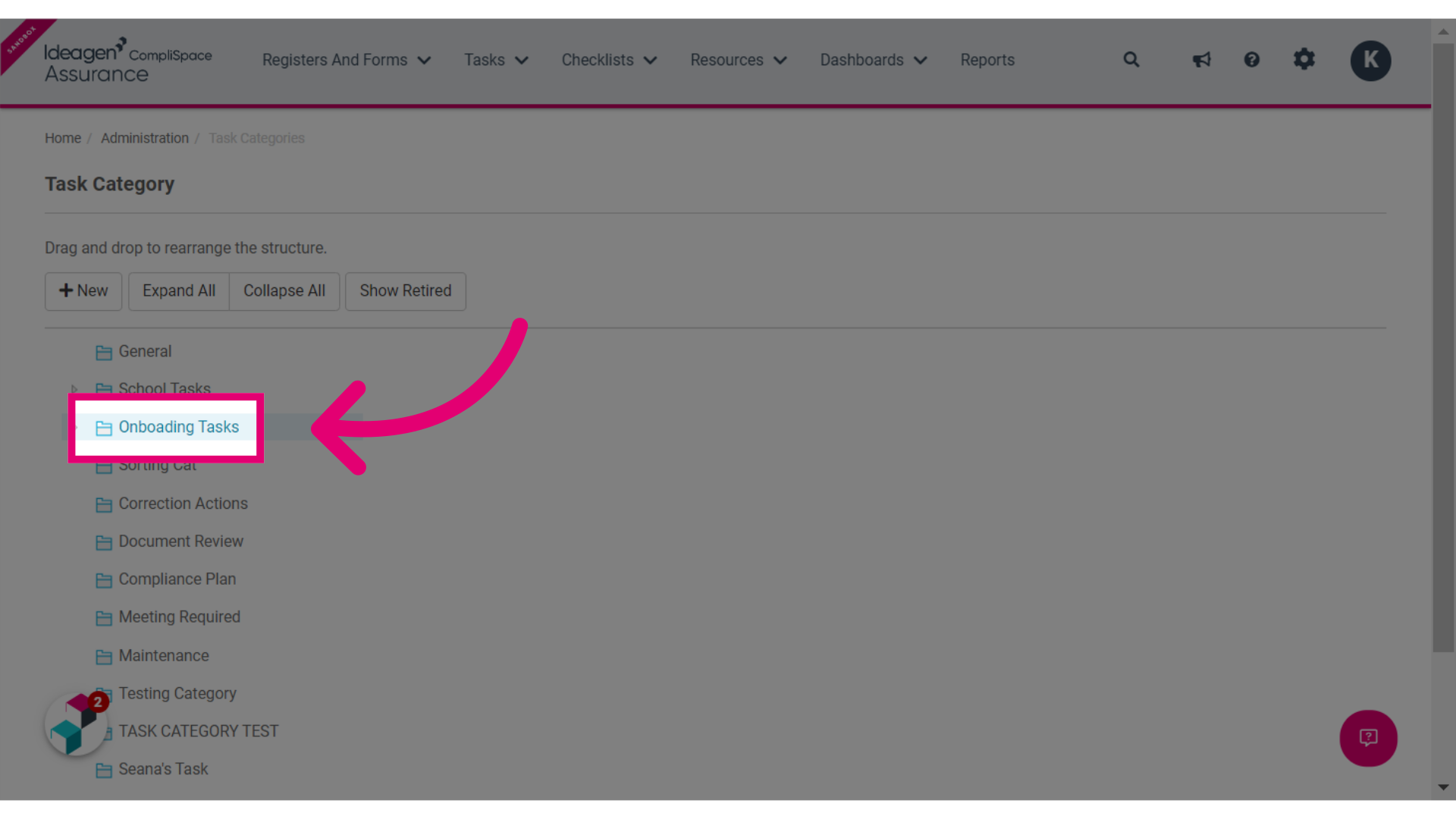
3. Select the relevant Task Category, in the example below we have selected Onboarding Tasks
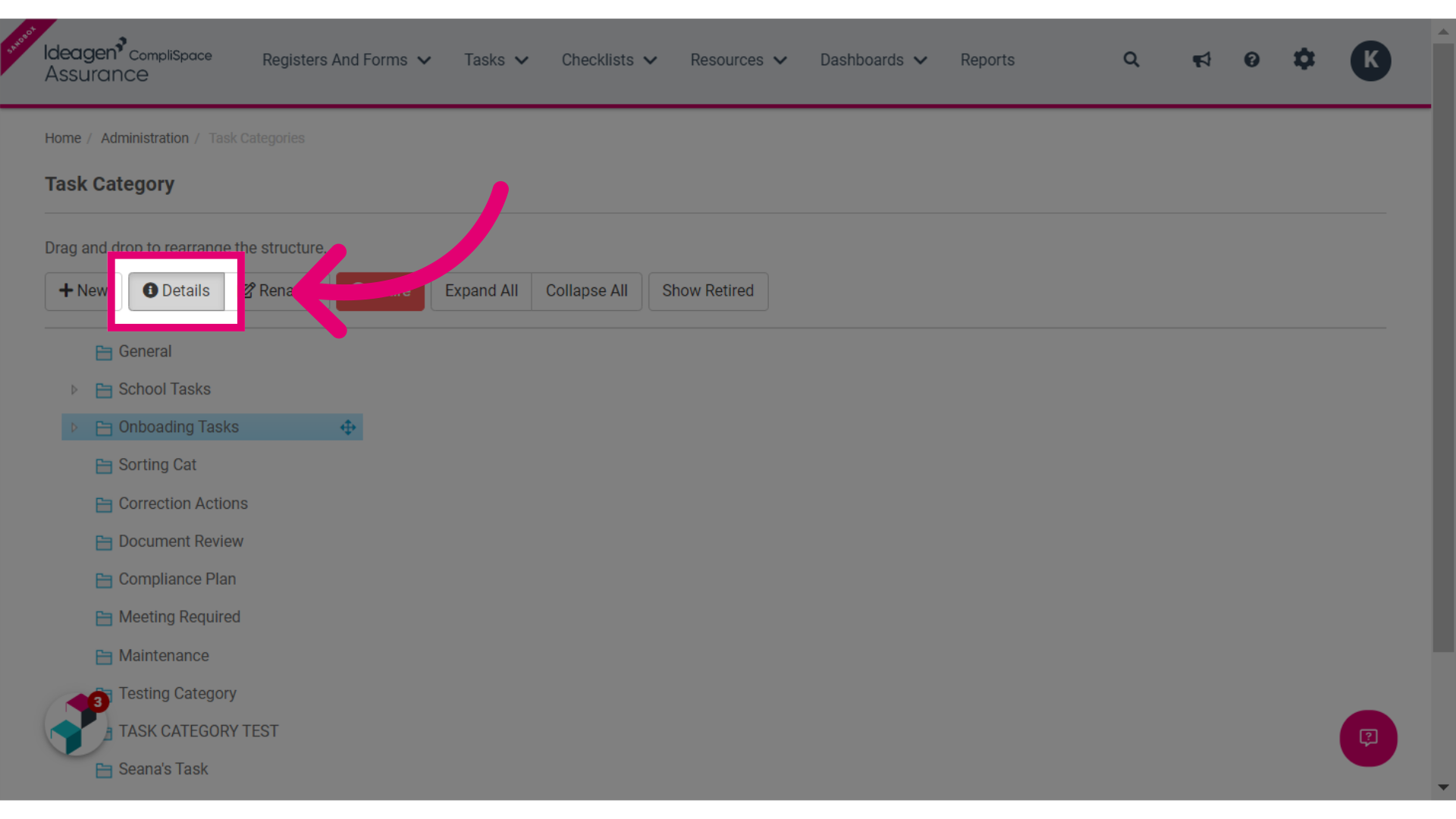
4. Click the Details tab
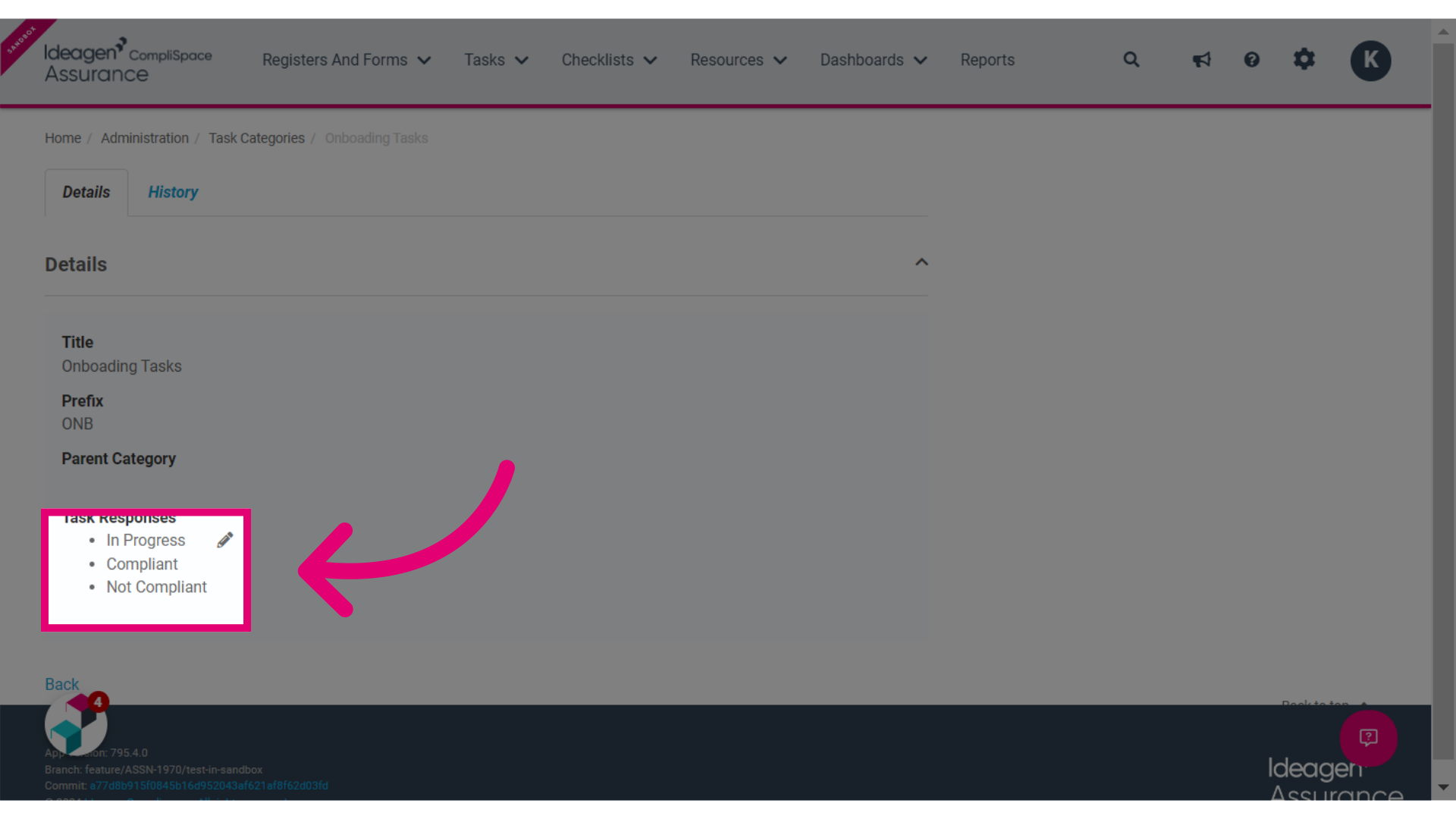
5. Hover your mouse over the Task Responses section and click on the Pencil that appears.
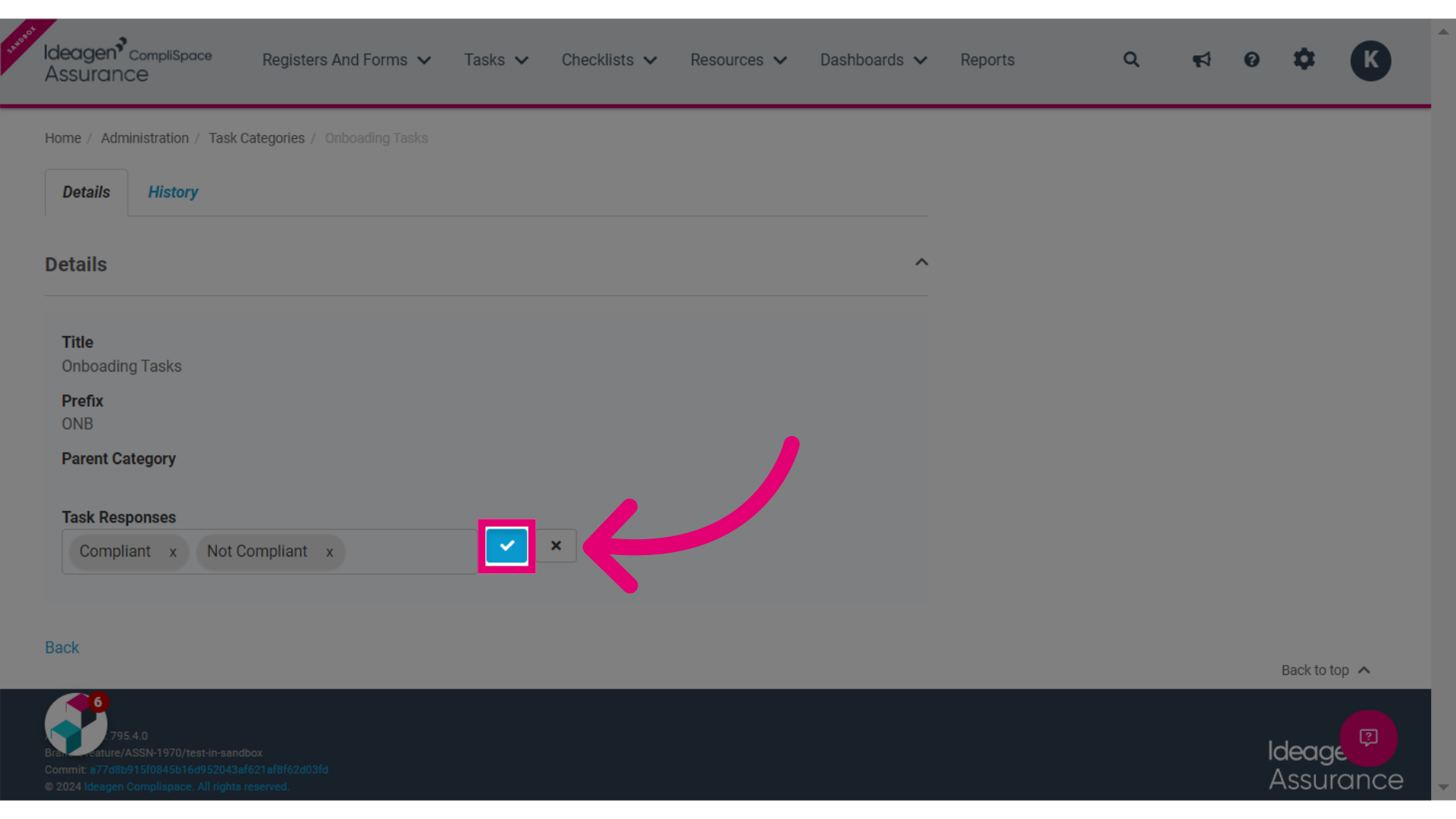
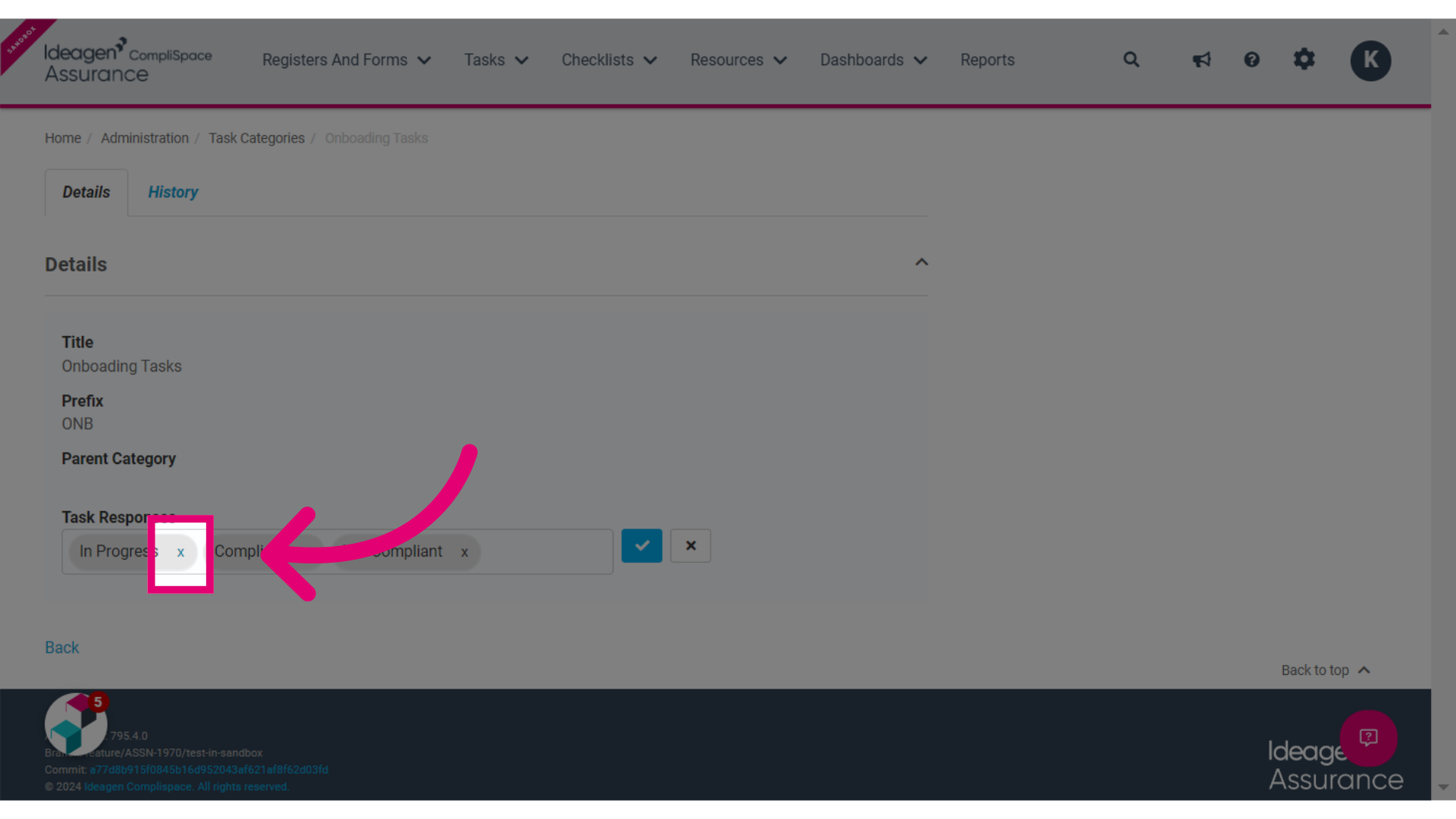
6. Click the X next to the Task Response/s you would like to remove.
7. Click the Tick Box to save these changes